 Qira XLSX
Open and edit Excel spreadsheets for free
Qira XLSX is a fast spreadsheet editor for Windows with formulas, formatting and several sheets. Prefer the browser? Edit .xlsx files online — nothing is uploaded.
- Opens .xlsx, .xlsm and .csv
- Works offline
- Your files stay on your device
- 13 languages
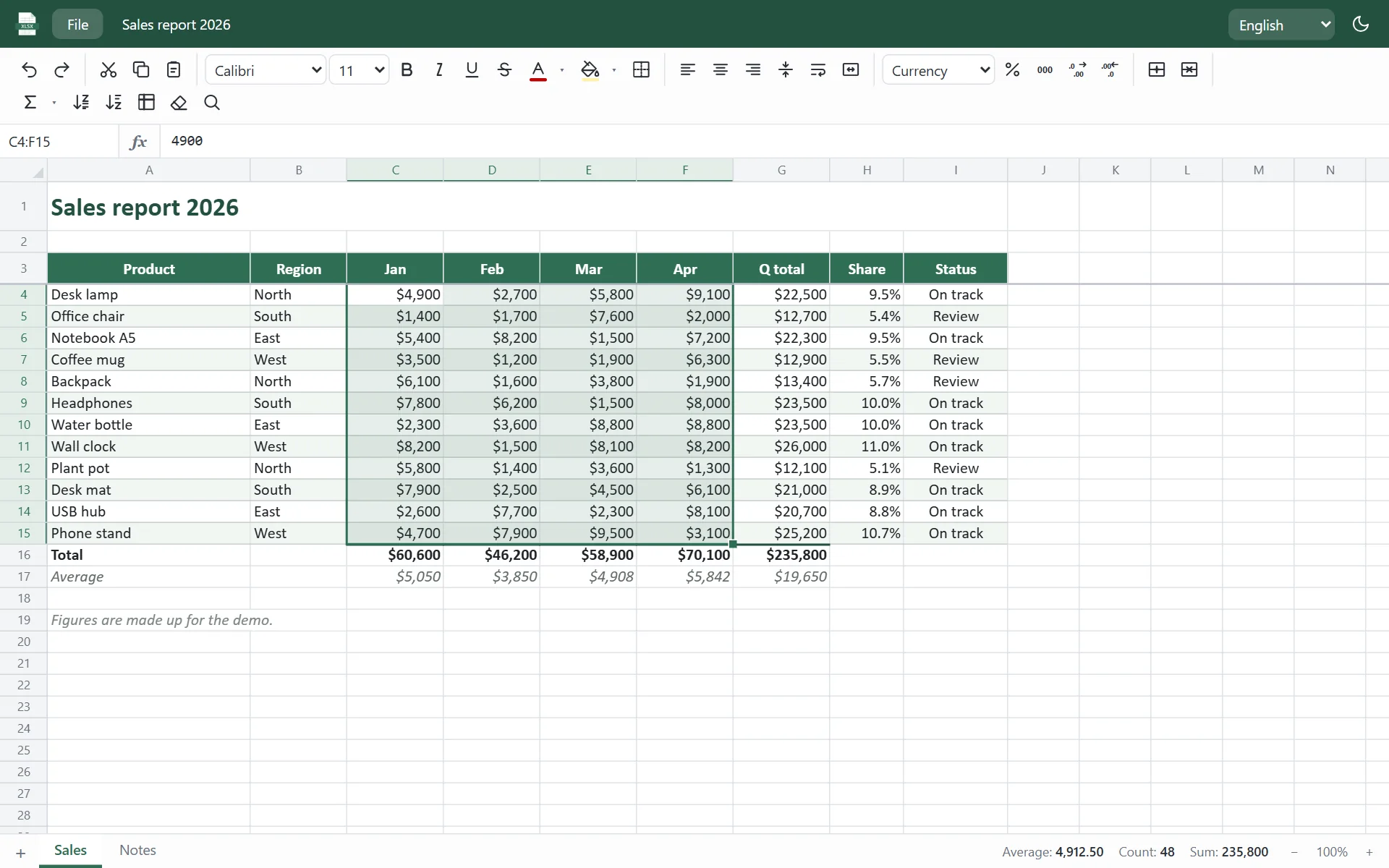
Everything you need for everyday spreadsheets
A familiar layout and familiar shortcuts, so you can start in seconds.
Excel-compatible XLSX
Open and save .xlsx files with fonts, colors, borders, merged cells, column widths, number formats and frozen panes.
Formulas that just work
More than 150 functions — SUM, IF, VLOOKUP, XLOOKUP, SUMIFS, dates, text and more. References update when you insert rows or copy cells.
Fast with big files
Scrolls smoothly through 100,000 rows. Only the cells that depend on your change are recalculated.
CSV in and out
Open CSV and TSV files, then save them as .xlsx or back to CSV. Copy and paste to and from other spreadsheet apps.
Sort, fill and format
Sort A to Z, AutoSum, fill handle with series, find and replace, currency, percent and date formats, print.
Private by design
No account, no cloud, no tracking inside the app. Your spreadsheets never leave your computer.
A clean, familiar workspace
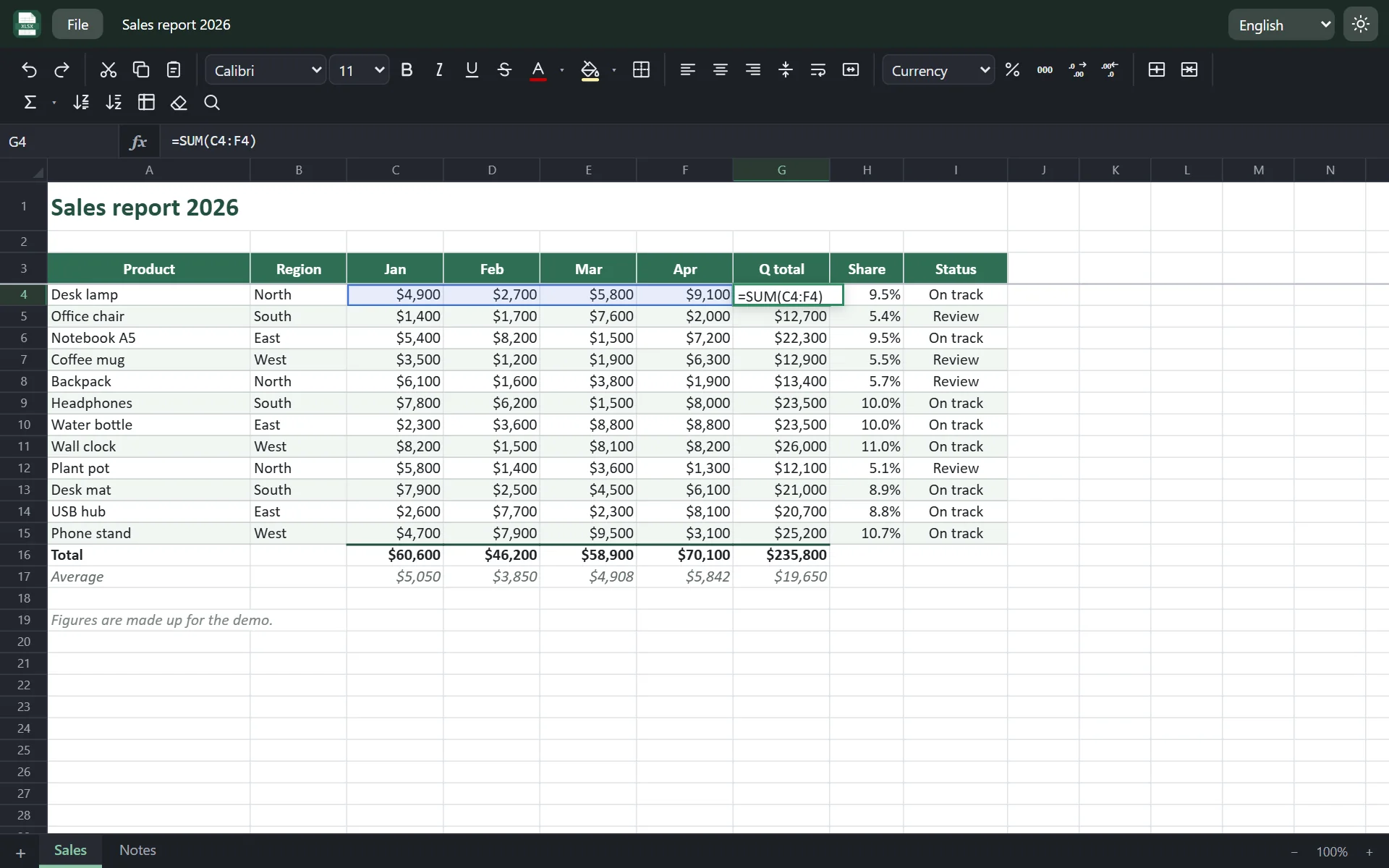
Edit XLSX online — right in your browser
No time to install? The online editor opens .xlsx and .csv files directly in your browser and saves them back as .xlsx. Your file is processed on your device and is never uploaded to a server.
- Open .xlsx, .xlsm, .csv and .tsv files
- Formulas, formatting, several sheets
- Save as .xlsx or CSV, or print
- The same editor as in the Windows app

Windows app or online editor?
| Feature | Windows app | Online editor |
|---|---|---|
| Open and save .xlsx | ✓ | ✓ |
| Formulas and formatting | ✓ | ✓ |
| CSV import and export | ✓ | ✓ |
| Open files with a double-click | ✓ | — |
| Save to the same file (Ctrl+S) | ✓ | — (downloads a copy) |
| Works without internet | ✓ | — |
| No installation | — | ✓ |
How to open an XLSX file without Microsoft Excel
- Download Qira XLSX for Windows and run the installer.
- Right-click your .xlsx file and choose Open with → Qira XLSX, or drag it into the window.
- Edit, then press Ctrl+S to save. On a phone or someone else's computer, use the online editor instead.
Frequently asked questions
Is Qira XLSX really free?
Yes. The Windows app and the online editor are free, with no ads, trials or sign-up.
Can I open .xlsx files without Microsoft Excel?
Yes. Qira XLSX reads and writes the open Office Open XML spreadsheet format (.xlsx) on its own, so you do not need Excel or Microsoft 365.
Does it support charts, pivot tables, macros and old .xls files?
Not yet. Version 1.0 focuses on cells, formulas and formatting. If a file contains charts, pictures, pivot tables or macros, the app warns you, because they are not kept when you save — save under a new name to keep the original. Old .xls files need to be saved as .xlsx first.
Are my files uploaded anywhere?
No. The Windows app works offline, and the online editor processes files inside your browser. Nothing is sent to our servers.
Windows says the app is from an unknown publisher. Is it safe?
The installer is new, so Windows SmartScreen may not recognise it yet. Click “More info”, then “Run anyway”. You can check the file with the SHA-256 checksum below.
Is Qira XLSX affiliated with Microsoft?
No. Qira XLSX is an independent app by Qira Studio. Microsoft Excel is a trademark of Microsoft Corporation.
Download Qira XLSX
Download the installerSHA-256: 5f67041a72c36a5f7679f13291390d9113185fc615528c0672ff2aef26365441